Free AI 3D Model Generator

🍺 No sign-up required. A free image to 3D model generator that meets the needs of most users

No credit card required
Face Count

Icon
The result will appear here

To ensure service quality, free users may encounter processing queues during peak hours.

Convert Photo to 3D Model

Convert hand-drawn sketches into detailed 3D models

Turn sketches into 3D models

Game Design 3D Model

Transform 2D picture into 3D models

Convert 2D art to 3D model

Image to 3D Model AI

Convert JPG PNG WebP image to 3D model with Ultra Generator

Convert 2D art to 3D model

Pro AI 3D Model Generator

Generate precision 3D models automatically

AI-powered 3D modeling

Free vs. Pro

Compare the features between our free and premium tiers to choose the best option for your 3D modeling needs.

FreePro
Queuing Required🕸️ Queue during peak hours🍺 No queuing
Daily Limits🕸️ Limited daily generations🍺 No daily limits
Output Formats🕸️ OBJ format only🍺 OBJ, GLB, STL formats
Textures🕸️ No texture included🍺 High-quality texture included
Model Access🕸️ No access to Turbo, Pro, and Ultra AI 3D Modeling GeneratorsAccess to Turbo, Pro, and Ultra AI 3D Modeling Generators
Model Quality🕸️ Standard qualityHigh-quality AI modeling
Face Count🕸️ Low face countHigh and Flexible face count
Advanced Settings🕸️ No adjustable settingsCustomizable chunks, steps and parameters
Upgrade to Pro

🍺 Transform your workflow with professional AI 3D modeling generator

Model Comparison

See why professionals choose the Pro. From commercial licensing to complex geometry handling, the difference is clear.

1. Multi-Format Export & Commercial Rights

Free Version

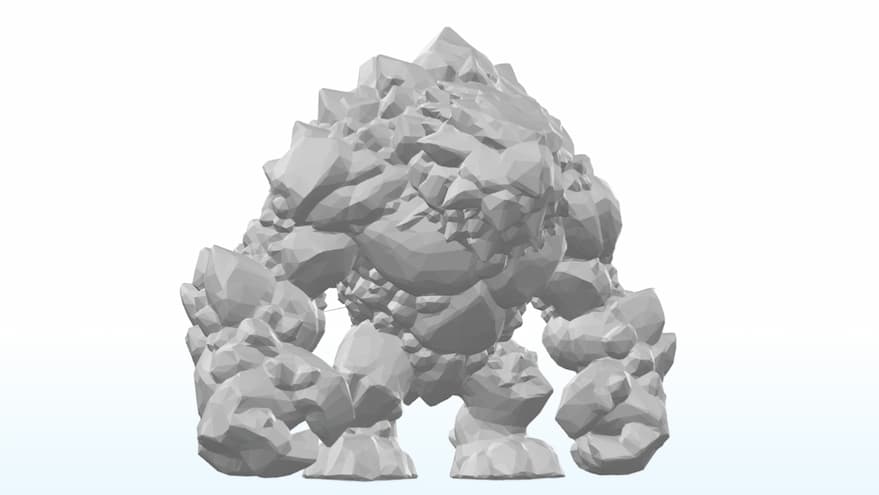
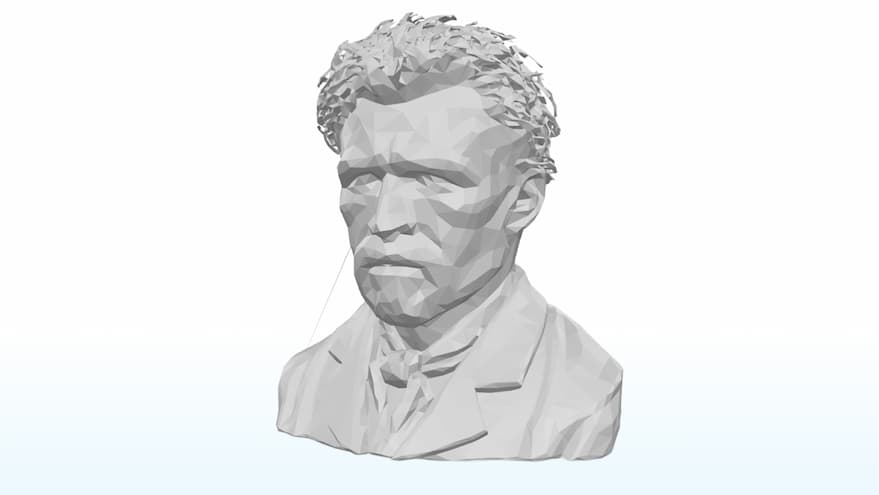
Perfect for exploration. Export in OBJ format without texture maps, strictly for personal, non-profit testing.

Pro Version

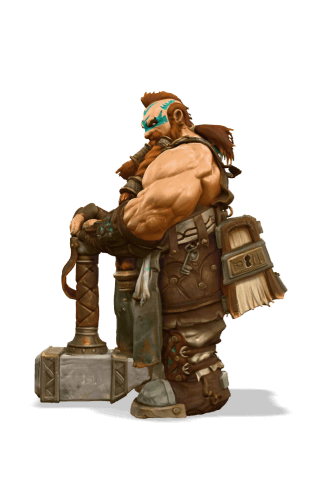
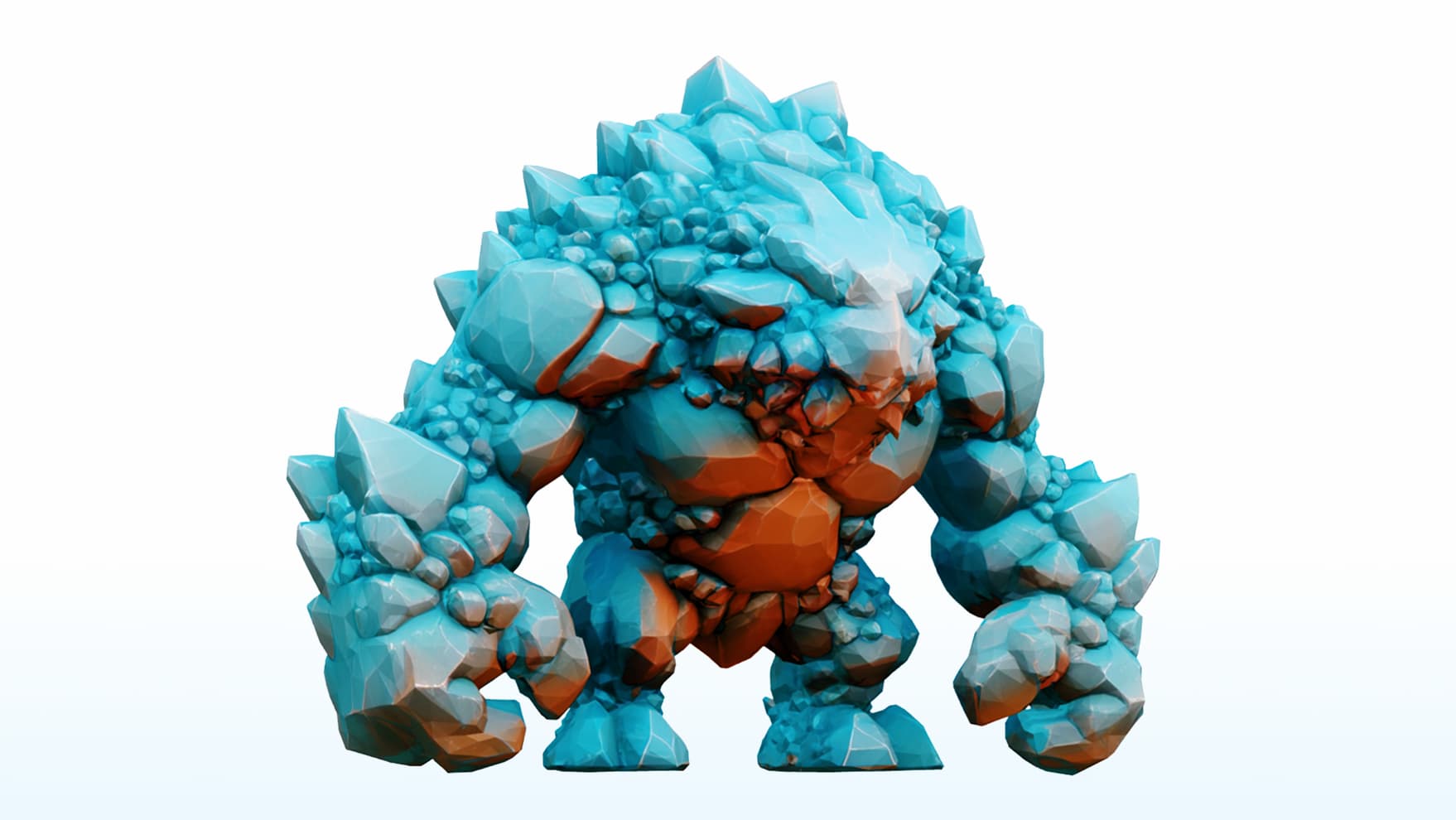
Built for professionals. Unlock GLB, OBJ, and STL formats with complete texture support, plus full commercial ownership. Monetize your assets across games, advertisements, or product sales with confidence.

Free AI Generator Output
Free Version
Pro AI Generator Output
Pro Version

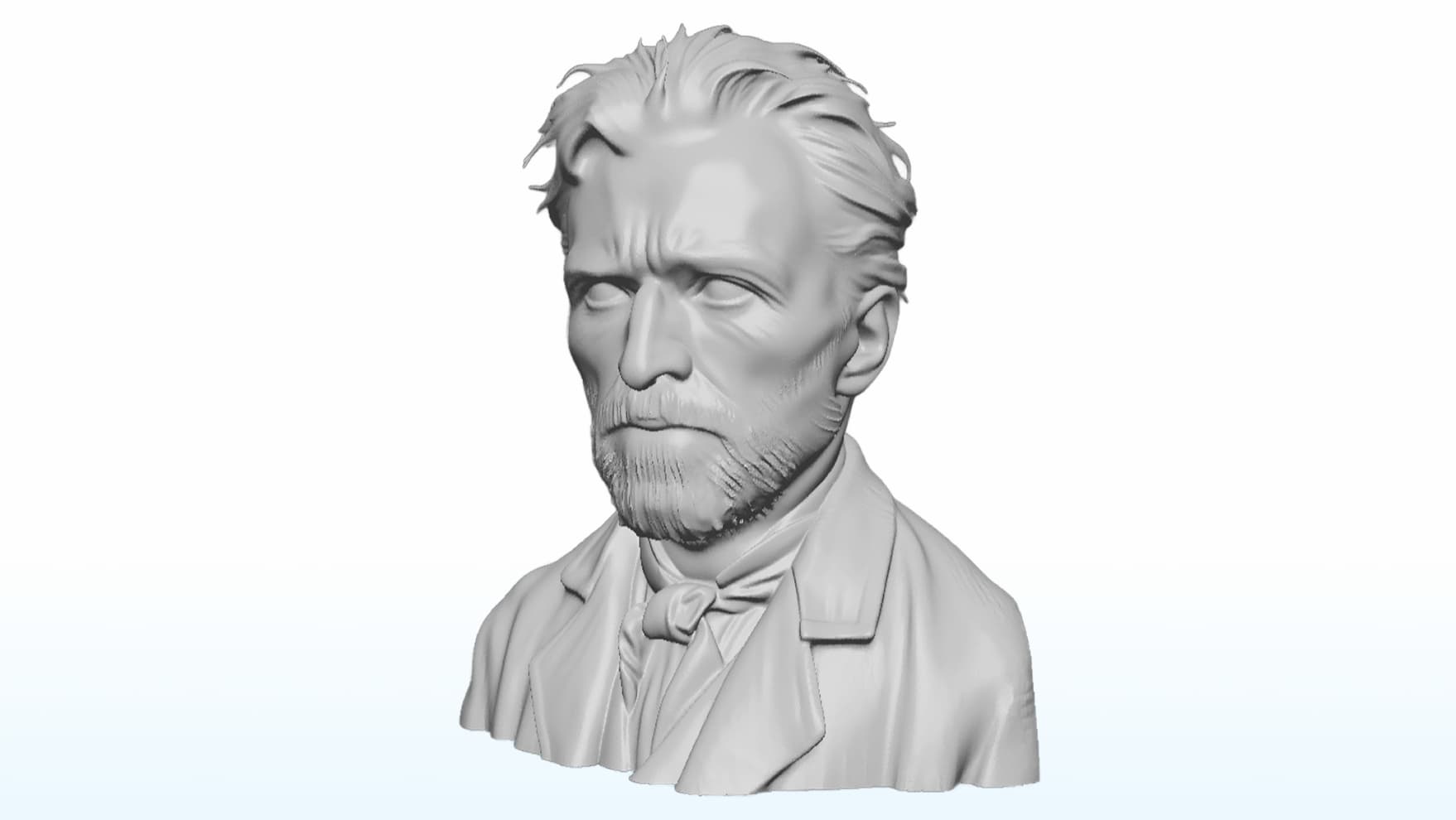
2. Precision Geometry & All Details

Free Version

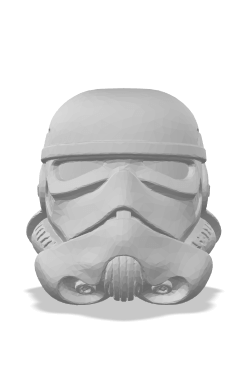
Low-poly output optimized for quick previews. Suitable for basic visualization but often results in lost details and blocky features requiring manual refinement.

Pro Version

High-density polygon counts capture every intricate nuance with precision. Delivers a clean, production-grade mesh ready for sculpting, animation, or 3D printing workflows without manual cleanup.

Free AI Generator Output
Free Version
Pro AI Generator Output
Pro Version

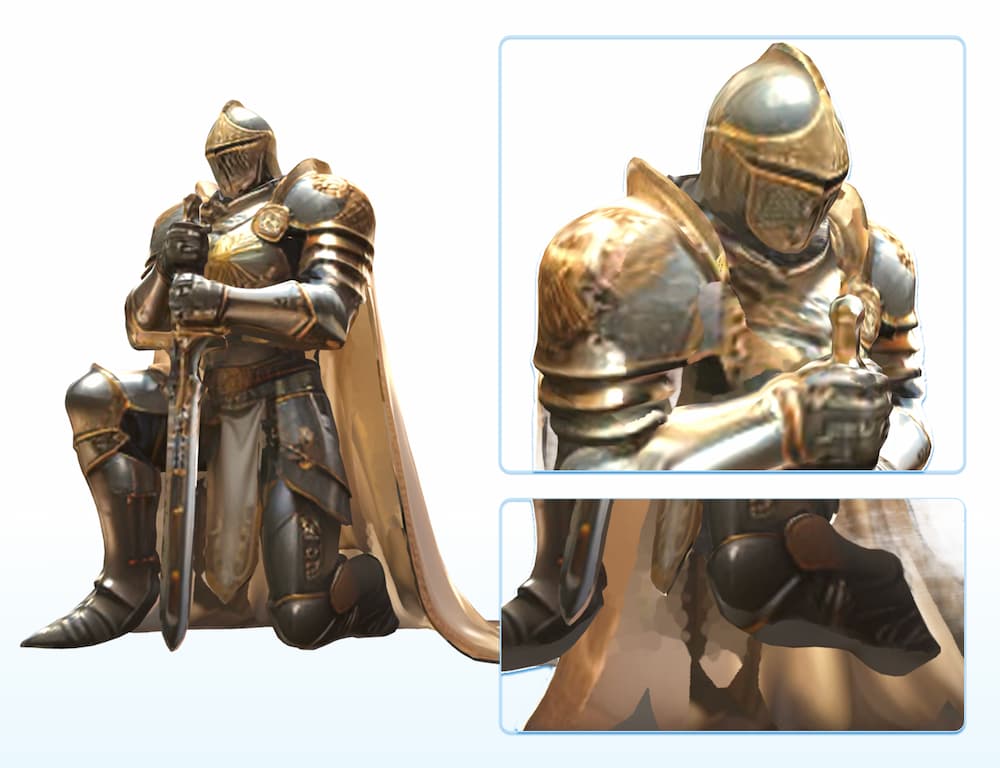
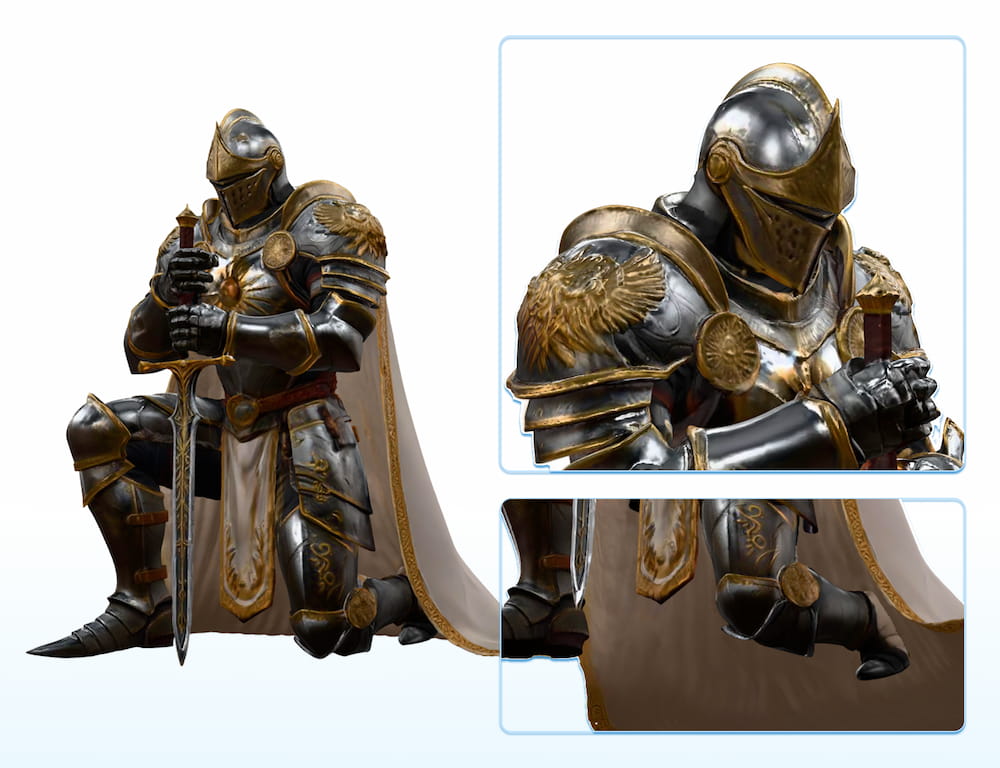
3. Advanced Model: Structure & PBR

Free Version

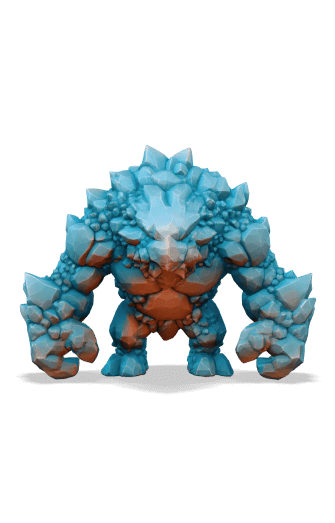
Basic algorithm optimized for single objects. May merge separate components and lacks material definition, requiring manual separation for complex assets.

Pro Version

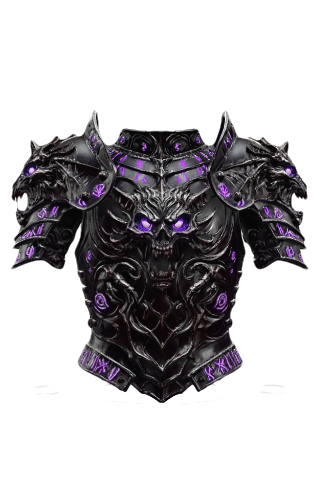
Advanced algorithm with full PBR support ensures limbs, armor, and accessories remain structurally distinct. Generates artifact-free models compatible with Unity, Unreal Engine, and Blender.

Free AI Generator Output
Free Version
Pro AI Generator Output
Pro Version

The Pro Editor: How It Works

Watch how easily you can transform flat images into high-fidelity 3D models with our advanced editor

What is the Free Image to 3D Model Generator?

The Free Image to 3D Model Generator is our introductory tool, designed to let users instantly test the core functionality of our AI engine. It quickly converts any 2D image into a basic 3D mesh (OBJ format) at absolutely no cost. This version utilizes our Lite AI model, which is optimized for speed and accessibility, allowing you to generate simple 3D concepts for immediate prototyping.

We offer this free tool to remove the barrier to entry for 3D creation. It allows you to validate your creative ideas and experience the potential of AI modeling completely risk-free. Before committing to a subscription, you can confirm compatibility with your workflow, test various inputs, and learn how quickly you can turn conceptual art into a tangible mesh.

The Free Generator is perfect for initial drafts and basic prototyping, but it operates with limited daily usage and produces assets with fixed geometry and basic color mapping. It serves as a visual proof-of-concept. For production-ready assets featuring high-fidelity PBR textures, clean topology, and guaranteed fast generation, we recommend upgrading to unlock the full power of our Paid Models.

Start Creating 3D Models Now

Join thousands of creators turning their ideas into reality.

Start Generating for Free

Answers You’re Looking For

Do I need to sign up or provide a credit card to use the free generator?

No. Our Free Image to 3D Model Generator is 100% free and accessible without login. You do not need to create an account or enter any credit card information to start generating.

    What image formats are supported for upload?

    We support the most common image formats including JPG, PNG, and WebP. For the best results, we recommend using clear, high-contrast images with simple backgrounds.

      Is my data safe with your AI 3D Model generator?

      Yes. We prioritize your privacy. Your uploaded images are processed securely and are not permanently stored or made public. The Free version allows for quick, private testing without leaving a footprint.

        Can I use the generated 3D models for commercial purposes?

        Models generated with the Free version are typically for Personal Use Only. To obtain a full Commercial License for your assets—allowing you to use them in games or projects—you must purchase a Pro subscription via our pricing page.

          What file formats can I export?

          The Free version exports strictly in OBJ format. If your workflow requires GLB or STL, these formats are unlocked exclusively by accessing the Pro features.

            Does the free model include textures?

            No, the Free version generates a non-textured (white) mesh only. It focuses on the geometric shape. To get high-fidelity PBR textures (colors, reflections, and material details), you must use the Pro version.

              Why is the quality/effect of the free model not good?

              The free tool uses our 'Lite' model, which is optimized for speed and rough conceptualization, not precision. We highly recommend upgrading to Pro for production-quality assets with sharp geometry and accurate structures.

                Why did my generation fail?

                Generations can fail if the image is too blurry, has very low resolution, or contains unsafe content. If the problem persists, consider getting a Pro subscription for a stable, priority connection.