Face Count
Ultra AI 3D Model Generator Guidance
Guidance for generating ultra-precision 3D models with Ultra AI: expect roughly 3 minutes per generation.
💡Generated Model Examples
See what the Ultra AI can do by clicking the examples on the right. Explore the gallery to see the level of detail and quality you can expect when you generate a model from your own image.
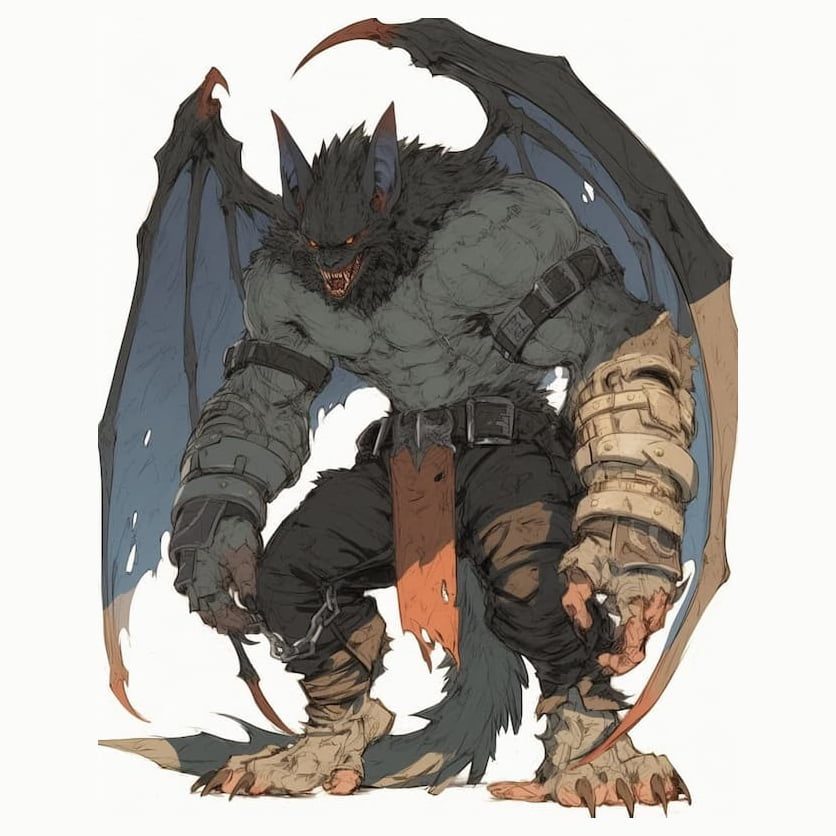

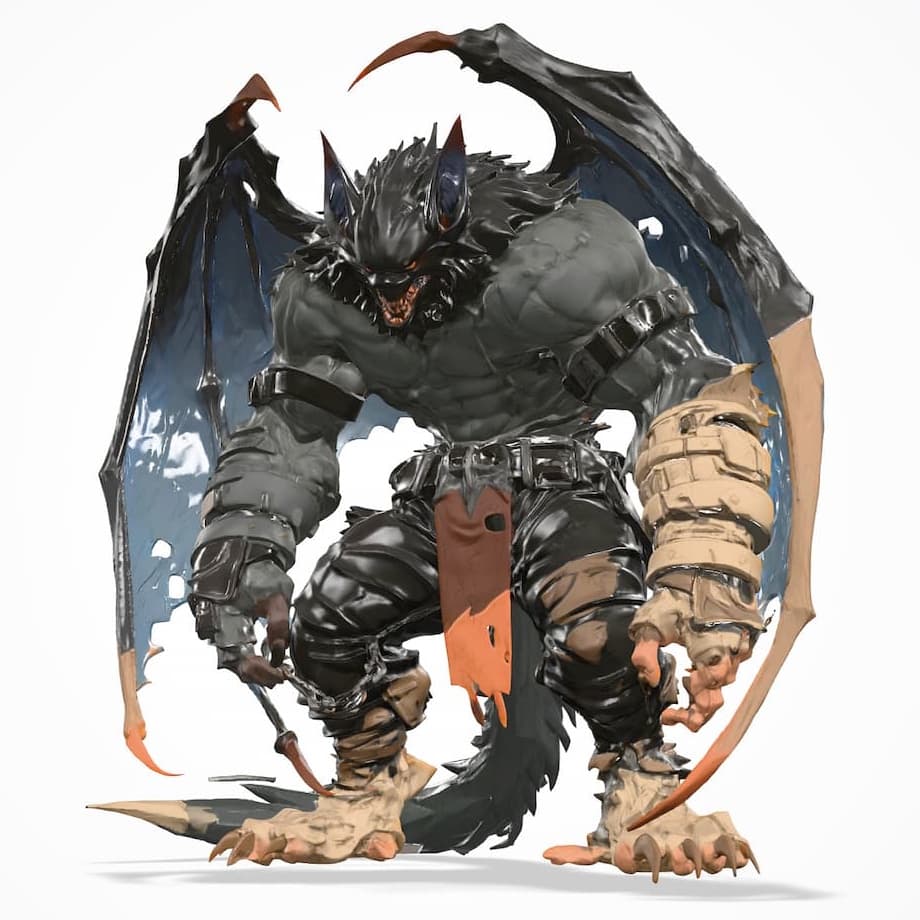
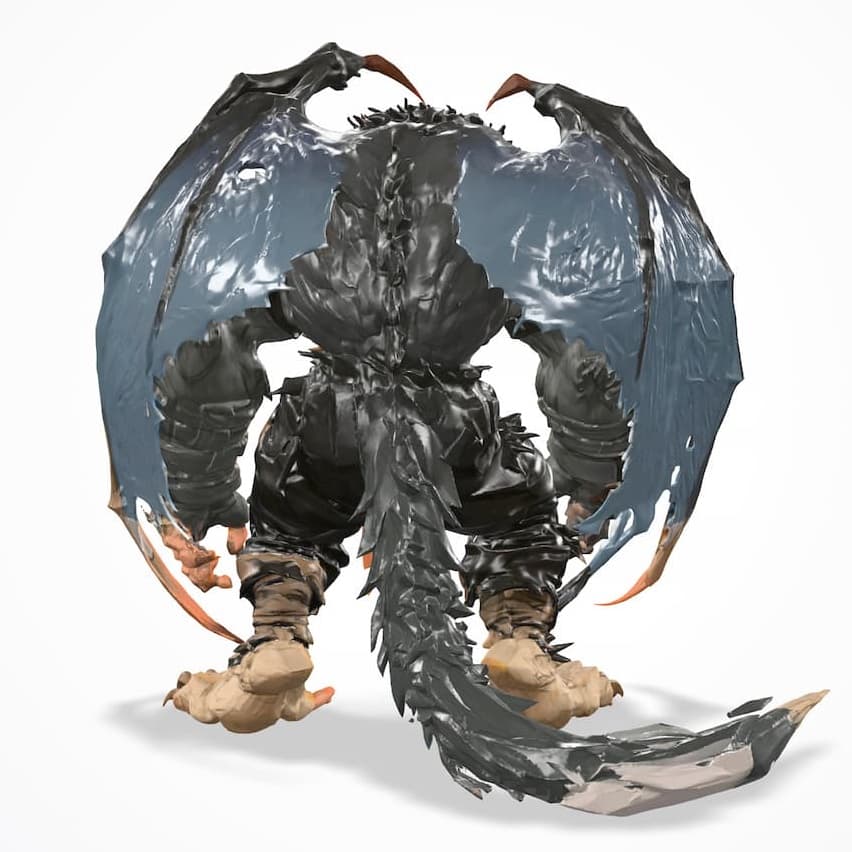
🎯How to Achieve the Best Results
Clear, High-Resolution Front View: Upload a sharp, well-lit photo taken from the front (full face and torso facing camera). A head-on, upright pose gives the AI maximum surface data for a complete, perfect 3D model. The direct frontal angle is especially important for achieving an accurate and detailed reconstruction of the face.
Show the Whole Silhouette: Frame the shot so arms, legs, and key accessories are visible and not cut off. Missing limbs force the model to guess, reducing accuracy.
Keep Details on the Front: Place logos, armor panels, buttons, or mechanical parts facing the camera; avoid hiding critical features on the back or sides that won't be reconstructed.
Simple or Transparent Background: Use a neutral, plain backdrop (or use our background remover beforehand) so the AI concentrates only on your subject, eliminating stray geometry.
Even, Shadow-Free Lighting: Soft, diffuse light minimizes harsh shadows and highlights, preserving surface detail and preventing black voids in the final mesh.
⚠️What Not to Create with Ultra 3D Model Generator AI
- Stylized Anime or Comic Characters: Characters with highly specific, bold art styles may not translate perfectly. Unique style can lead to faces or limbs that don't match the original artistic intent. Please review the examples on the right or explore our features to get an understanding of the Ultra Generator's capabilities before generating.
- Complex Scenes with Multiple Subjects: Images containing multiple people, objects, or intricate backgrounds will not generate well. The AI is optimized to focus on a single, primary subject.
🚀Your 3-Step Image to 3D Workflow
Upload Your Image
Select a clear JPG, PNG, or WEBP image file under 5MB that you wish to transform into a 3D model.
Generate & Wait
Click the 'Generate' button. The AI will process your image, which typically takes about 2-3 minutes to complete.
Download Your Model
Once the generation is finished, your high-quality 3D model will be ready for you to download and use.
?Frequently Asked Questions
What input image formats are supported?
We support JPG, PNG, and WEBP files. For best results, please ensure the file size is less than 5MB.
What is the difference between the Ultra and Pro versions?
The Ultra version is designed for generating high-precision, complex models suitable for 3D printing or detailed game modeling. It excels at creating characters, monsters, figurines, and high-detail props. You can compare it with our Turbo AI 3D Model Generator or Pro AI 3D Model Generator .
Do I own the copyright to the models I generate?
Yes, you have full ownership and copyright of the 3D models you create using the service.
Is there a free trial for the Ultra generator?
The Ultra version does not have a free trial. However, you can visit our free version to experience our core technology with unlimited use before committing.
How long are my files stored on your servers?
To protect your privacy, we only store your input image and the generated model for one hour. After that, they are permanently deleted. Please be sure to download your model promptly.
What file formats can I download the 3D model in?
You can download your generated models in standard 3D formats such as STL, OBJ and GLB, ensuring compatibility with most 3D software and game engines.
Can I use the generated models for commercial purposes?
Absolutely. Since you own the copyright, you are free to use your generated models for any personal or commercial projects without restriction.